
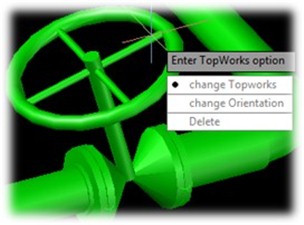
Command of the week: Adding/Modifying Actuators to Valves in CADWorx
Command location: CADWorx plant 1 >> Misc >> Top Works Add
AutoCAD Shortcut command: Topadd/TOPWORKSADD
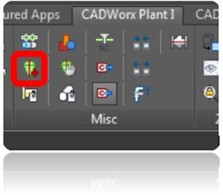
Steps Follows:
Step1: Click on CADWorx >> Misc >> Top Works Add
Step2: Select the Valve which is placed already
Step3: Specify with type of Actuator
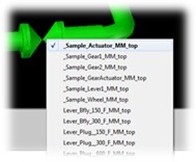
And provide alignment angle if required
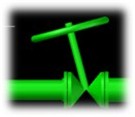
And Provide Orientation Angle
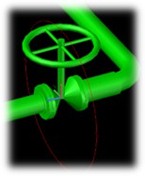
How to change/Delete the Actuator in CADWorx
Command location: CADWorx plant 1 >> Misc >> Top Works Change
AutoCAD Shortcut command: Topchg/ TOPWORKSCHANGE
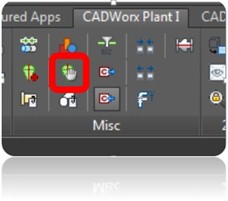
Steps Follows:
Step1: Click on CADWorx >> Misc >> Top Works change
Step2: Select the Valve which is placed already with Actuator

It will ask Change topworks/Change Orientation/Delete
Select the option which you want to update/delete.