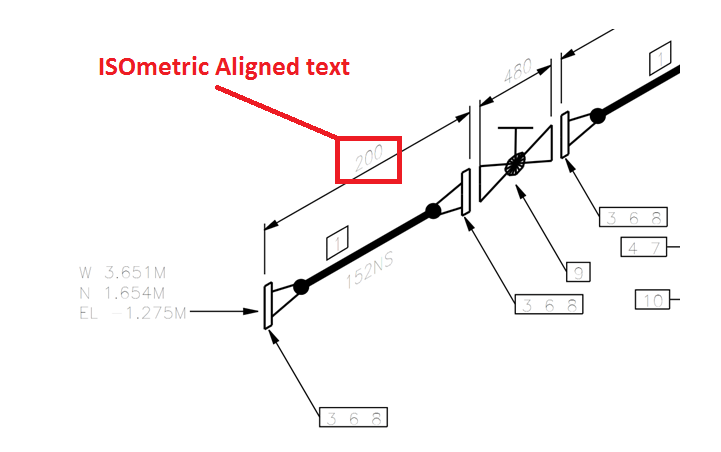

How to Change Text Alignment in ISO Drawing
Default Output of the Isometric Drawing

To change it to ISO align Text
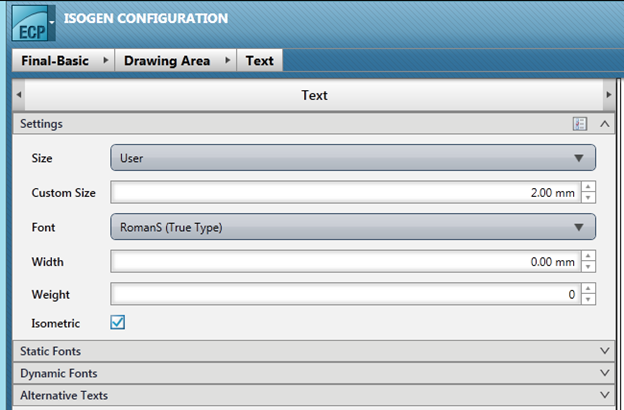
Go to I-Configure è Edit the required ISo project è Drawing Area è Text è enable the Check box called Iso metric
Output as Isometric Aligned text